MatchaFilterRemove
Reduce the tint. Keep the frame.
Analyze a filtered video or photo, then reduce color cast, grain and harsh contrast — privately in your browser.
- No uploadYour media stays on your device.
- Best-effort cleanupWe reduce tint, grain and harsh contrast.
- Missing pixels cannot be rebuiltWe enhance what still exists.

Media stays in this tab and is never uploaded.
The truth
Recovery, not magic.
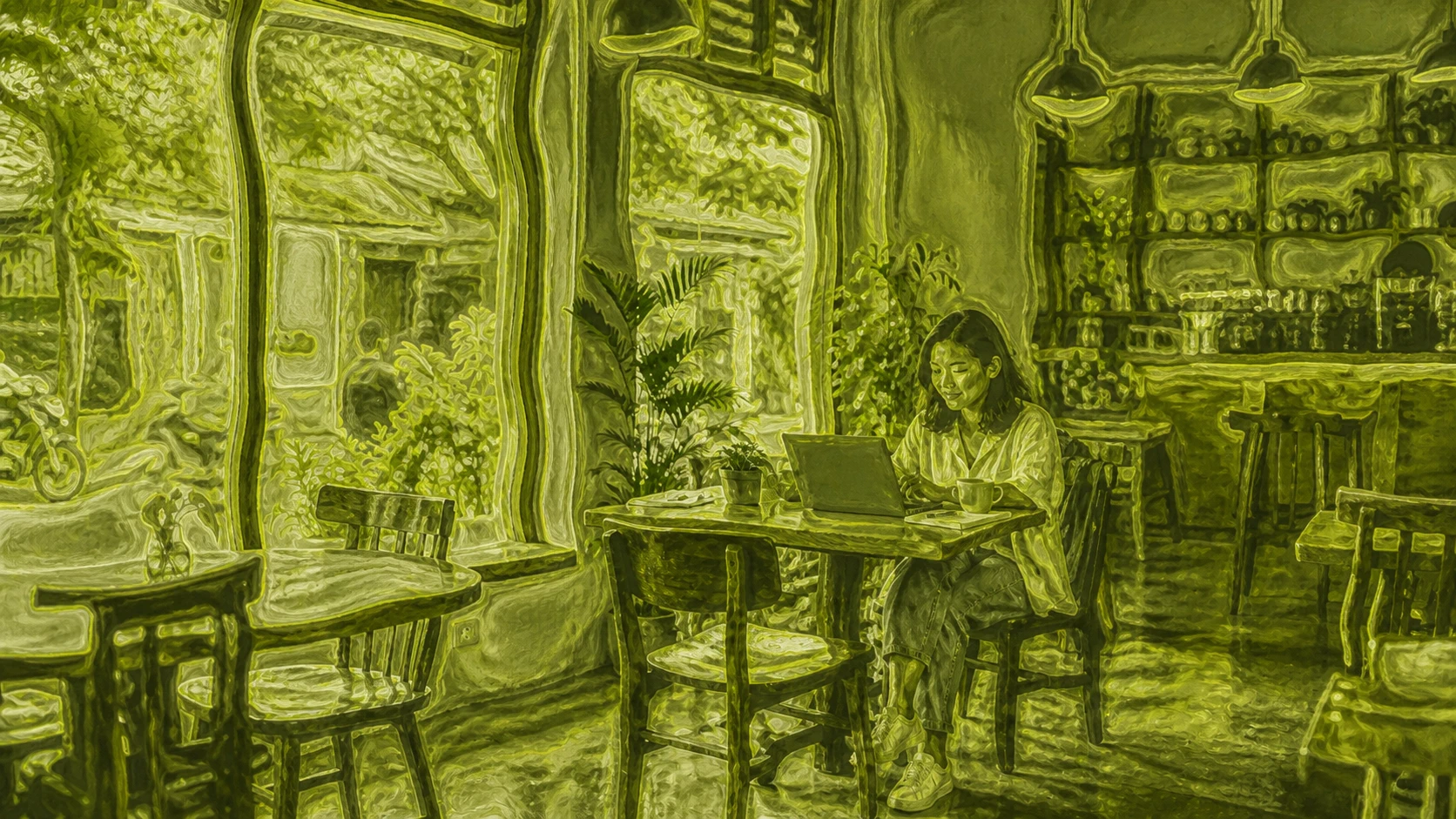
We analyze and reduce the visible effects of the Matcha Filter — tint, grain and harsh contrast.
What is lost in the original cannot be recreated. The limits are shown before you export.
- Usually reducibleGreen-yellow cast, added grain, harsh contrast
The tool targets channel imbalance, visible noise and tonal shifts while keeping the correction conservative.
- Sometimes improvableMild softness, edge definition
Small detail can be emphasized after smoothing, but results depend on source resolution and compression.
- Not recoverableWarped geometry, hidden or painted-over detail
No filter remover can restore information that is no longer present in the exported frame.
The workflow
How to remove a Matcha Filter
- 01
Choose a clean source
Open the earliest, highest-quality video or photo you are allowed to edit. Heavy repost compression leaves less detail to work with.
- 02
Auto analyze, then tune
The browser samples color, tone and noise. Treat its recommendation as a starting point and use the smallest correction that works.
- 03
Compare and export
Drag the comparison divider to reveal the untouched frame. Export a photo as PNG or record a video locally as WebM.
Go deeper
Explore the Matcha Filter
Use the Matcha Filter
Apply the animated liquid look to your own local video or photo.
Why the Matcha Filter trend moves
Understand the visual recipe, the trend, and why motion matters more than a green preset.
Remove a filter from video
Follow a detailed workflow for cleaner footage, tricky clips, and realistic recovery limits.
FAQ
Straight answers
Can a Matcha Filter be perfectly removed?
No. Color cast, added grain, and some contrast changes can often be reduced, but warped geometry, hidden pixels, and painted-over detail are not present in the finished file and cannot be recreated.
Does this upload my video?
No. Your browser opens the file through a temporary local URL, analyzes representative frames, renders the adjustment with WebGL2, and exports locally. There is no media upload endpoint.
What can Auto analyze change?
Auto analyze samples the visible frames and recommends starting values for color neutralization, noise reduction, and detail restoration. You can change every recommendation before export.
What format does video export use?
Video is recorded in real time as WebM using the best codec your browser supports, normally VP9 or VP8. Photos export as PNG.
Is this also called a Matcha filter remover?
Yes. Searches such as Matcha filter remover, matcha remover filter, filter remover matcha, and remove filter matcha usually describe the same intent: reducing the visible treatment in a finished image or video.